
Play Store and Instagram Safety Checklist: Avoid Fake Apps and Protect Your Account
Millions of people use the Google Play Store and Instagram every day. Here are simple checks to keep your phone and account safe.
Play Store: avoid fake apps
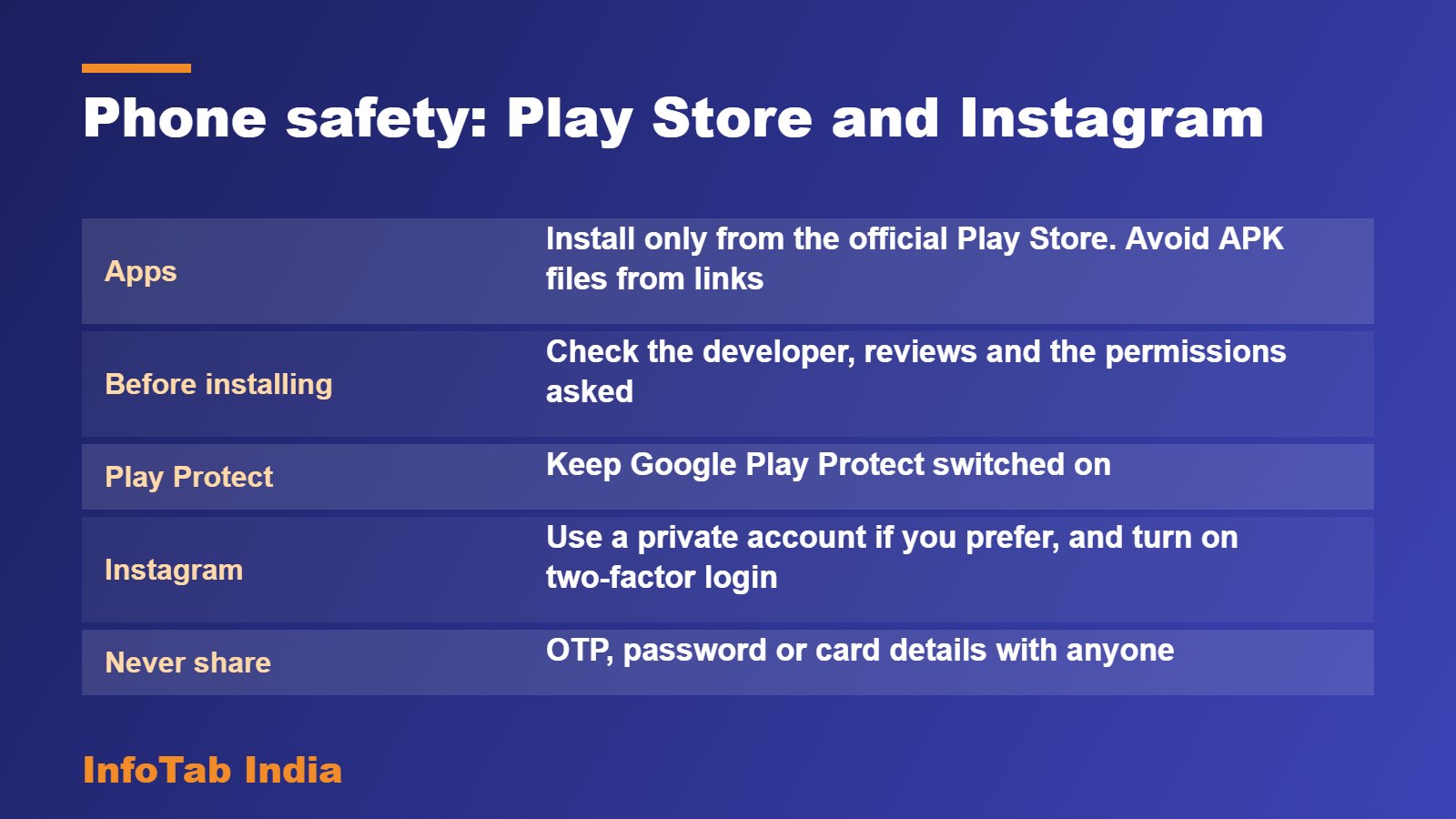
- Install apps only from the official Play Store app. Do not install “APK” files sent on chat or found on websites.
- Check the developer name, the number of downloads, and recent reviews. Be careful with copycat apps that look almost the same.
- Look at the permissions an app asks for. A torch app does not need your contacts or messages.
- Keep Google Play Protect switched on. It scans apps on your phone.
- Update apps only through the Play Store.
Instagram: protect your account
- Use a strong, unique password and turn on two-factor authentication.
- Consider a private account if you only want people you approve to see your posts.
- Be careful with messages that promise free followers, prizes or “verification” for a fee. These are common scams.
- Never click login links sent in messages. Open the app yourself.
- Review which apps and websites are connected to your account and remove ones you do not use.
General rules
- Never share your OTP, password or card details with anyone.
- If you lose money to a scam, call the cyber helpline 1930 or report at cybercrime.gov.in quickly.
- Talk to children about these rules and set up parental controls on their phones.
This is general information, not medical or legal advice. Facts are from public sources, checked on 21 September 2026 (system date).