How To Link Aadhaar With Your Bank Account Online
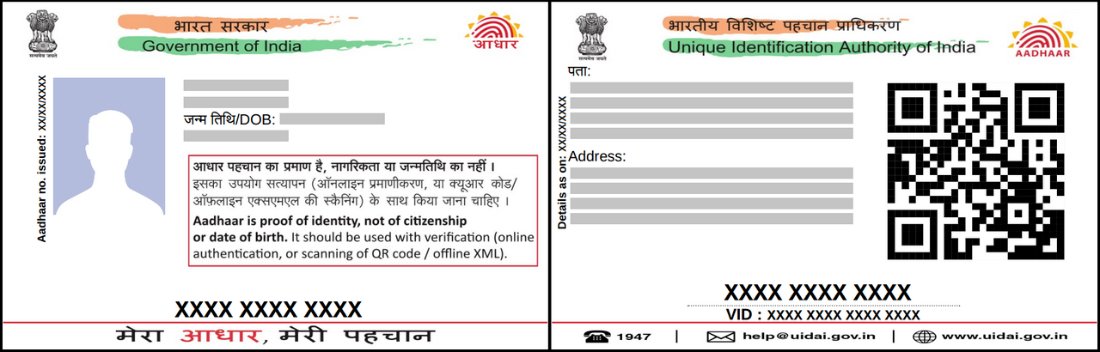
Linking your Aadhaar with your bank account is required for receiving government subsidies directly (DBT) and for several banking services. Here’s how to do it online.
Via net banking: Log in to your bank’s net banking portal, go to “Service Requests” or “Update Aadhaar,” enter your 12-digit Aadhaar number, and submit. Most banks send an OTP to your Aadhaar-registered mobile number for verification.
Via mobile banking app: Most major Indian banks offer an “Aadhaar Linking” option within their app’s profile or services section, following a similar OTP-based process.
Via NPCI portal: Visit the NPCI’s “Aadhaar Seeding” portal, select your bank, and follow the verification steps.
You can confirm your Aadhaar is linked by checking your bank statement for a confirmation message, or via the NPCI portal’s “Check Aadhaar status” option.